Formatter 规范
系统差异
换行问题换行问题配置
window开发者
配置:
git config --global core.autocrlf true
行为:
| 操作 | 转换规则 |
|---|---|
| 提交时 | CRLF → LF(自动转换) |
| 检出时 | LF → CRLF(自动转换) |
流程图:
工作区(Windows)         Git 仓库           工作区(Windows)
    CRLF          →         LF          →        CRLF
  (本地文件)      提交      (仓库)       检出    (本地文件)
适用场景:
- ✅ Windows 开发者
- ✅ 使用 Windows 原生工具(记事本、cmd)
- ✅ 需要保持 Windows 换行符习惯
Linux/Mac 开发者
配置:
git config --global core.autocrlf input
行为:
| 操作 | 转换规则 |
|---|---|
| 提交时 | CRLF → LF(自动转换) |
| 检出时 | 不转换(保持 LF) |
流程图:
工作区(Linux)          Git 仓库           工作区(Linux)
    LF/CRLF       →         LF          →        LF
  (本地文件)      提交      (仓库)       检出    (本地文件)
适用场景:
- ✅ Linux/Mac 开发者
- ✅ 服务器环境开发
- ✅ 需要确保仓库中只有 LF
代码仓库配置
cat > .gitattributes << 'EOF'
* text=auto
*.php text eol=lf
*.js text eol=lf
*.css text eol=lf
*.html text eol=lf
*.md text eol=lf
EOF
PHP
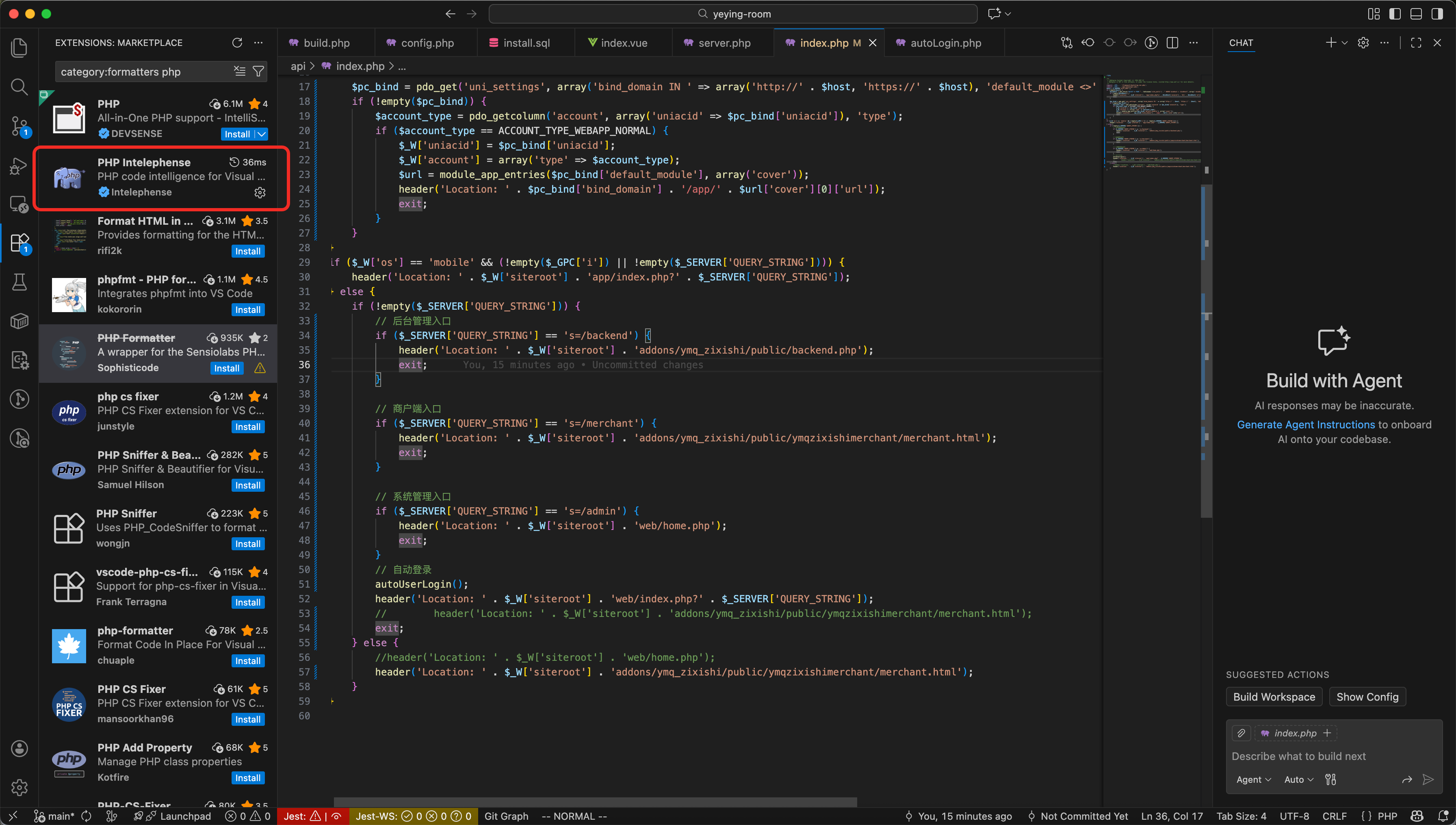
使用vscode开发工具如下: